On your iPhone
Photo analysis runs on your device. Letelia does not upload photos or videos to its own servers.
Letelia helps you go through your iPhone photo library, compare similar shots, and set items aside for review.
See how it worksMade for iPhone. Free to use.

Browse by year, month, or collection. Start with one group of photos and come back to the rest whenever you like.
Nothing is deleted while you browse.
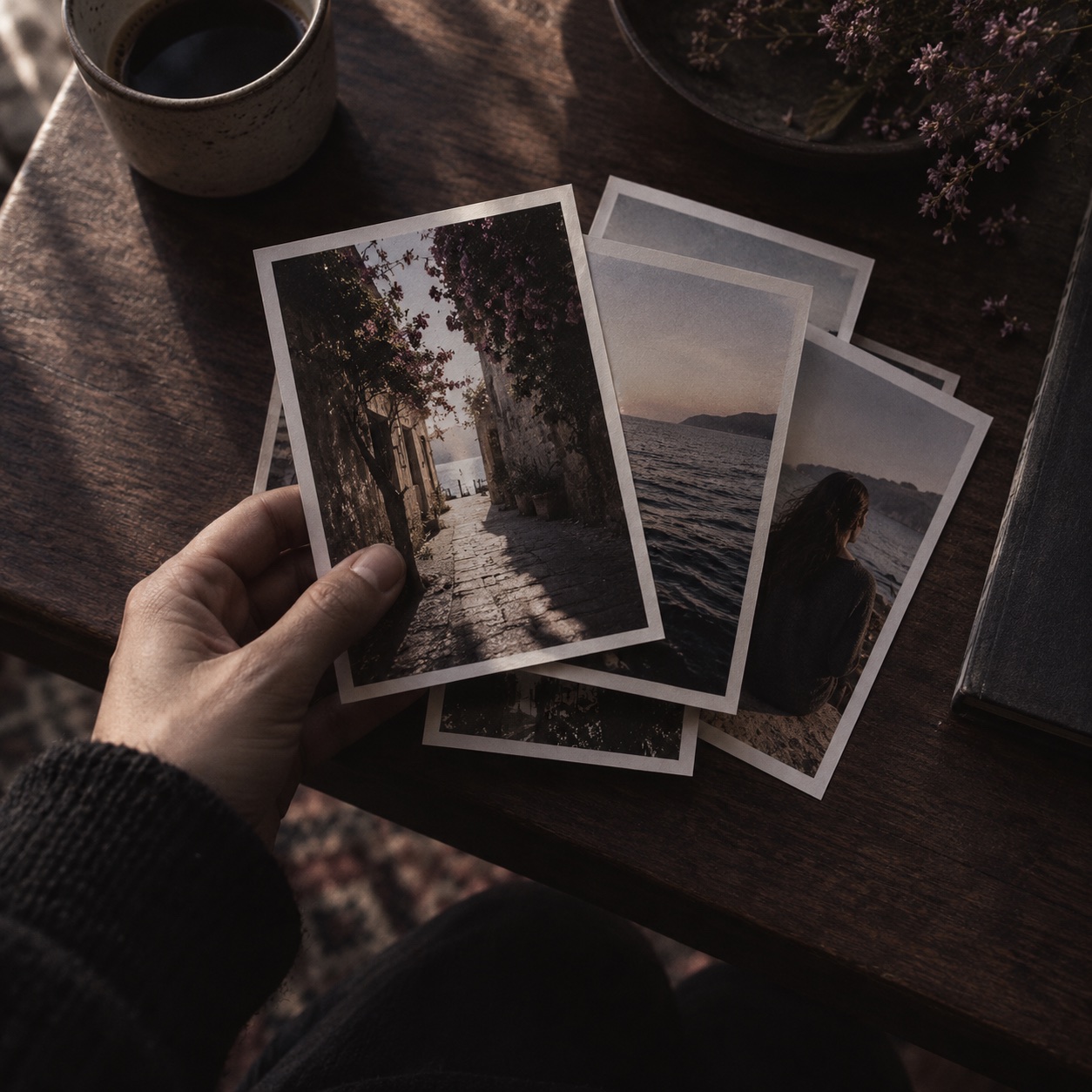
Browse, set items aside, then review your selection before anything is deleted.
Browse photos and videos by year, month, or collection. You can stop and come back later.
View similar photos side by side. Put unwanted items in Letelia's in-app trash; they stay in your library until you confirm deletion.
Check your selection, then confirm the deletion. Deleted items go to the system's Recently Deleted album.
Letelia checks photos on your iPhone for exact duplicates, similar shots, and images that may be blurry or poorly exposed.
A blurry photo may still be the one you want to keep. Review each suggestion before deleting anything.
Photo analysis runs on your device. Letelia does not upload photos or videos to its own servers.
The in-app trash lets you review your selection. Items stay in your library until you confirm deletion.
No subscription, in-app purchases, or mandatory registration.
You can browse and delete videos manually. Video analysis is not available yet.
Make room for new photos without rushing through the old ones.
Questions? Find answers